
Support arms & operator enclosures
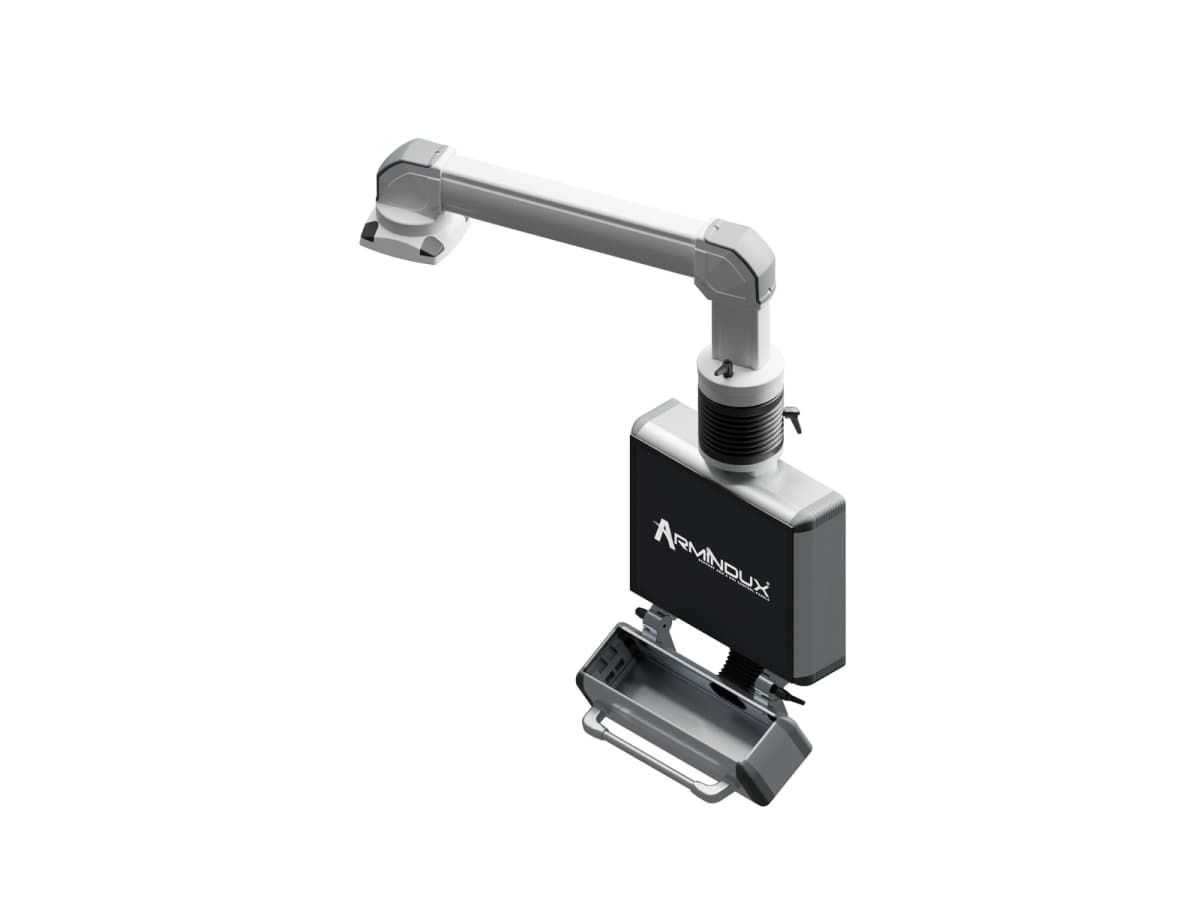
Armindux · The support-arm system from Xindux.
From your machine to the right operator station.
Explore Armindux within the Xindux platform. Plan your assembly in the configurator, from the mounting point to the panel.
One system from mounting point to panel.
Armindux connects the operator station to the machine. Mounting, profiles, joints and panel connection are selected to suit the installation.
- 01
Mounting
The starting point on a machine wall, the floor or underneath a portal. The mounting surface and fasteners must suit the assembly.
- 02
Support-arm profiles
Profiles determine reach and carry cables through the arm. Length and cross-section are part of the series selection.
- 03
Joints
Rotary and swivel joints make the station movable. Their arrangement determines the movement envelope and affects load capacity.
- 04
Panel connection
Couplings and adapters connect the arm and enclosure. Connection side, hole pattern and mounting orientation must match.
- 05
Panel and accessories
Panel, monitor, shelf and other attachments form the operator station. Include their weights and dimensions in planning.
SLIM, MIDI or LARGO?
Compare the series and their current products. Profile sizes and connection dimensions are provided in the individual product data and drawings.
- Installation space
- How far must the arm reach, and where can it swing?
- Moving load
- Consider the panel, accessories and assembly self-weight together.
- Cables and connections
- Check cable passages, connectors and panel connection before selecting.
An operator station suited to your machine.
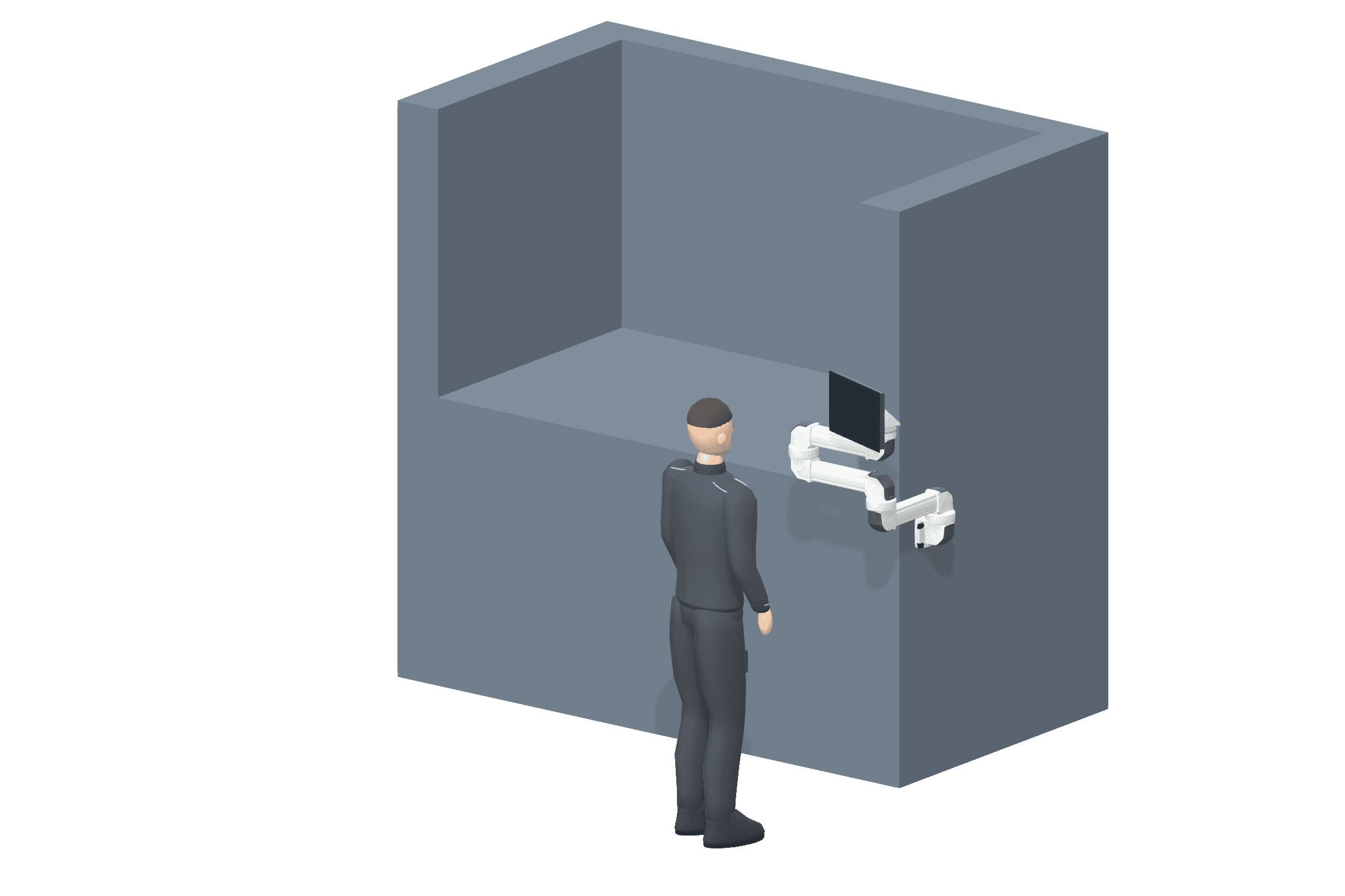
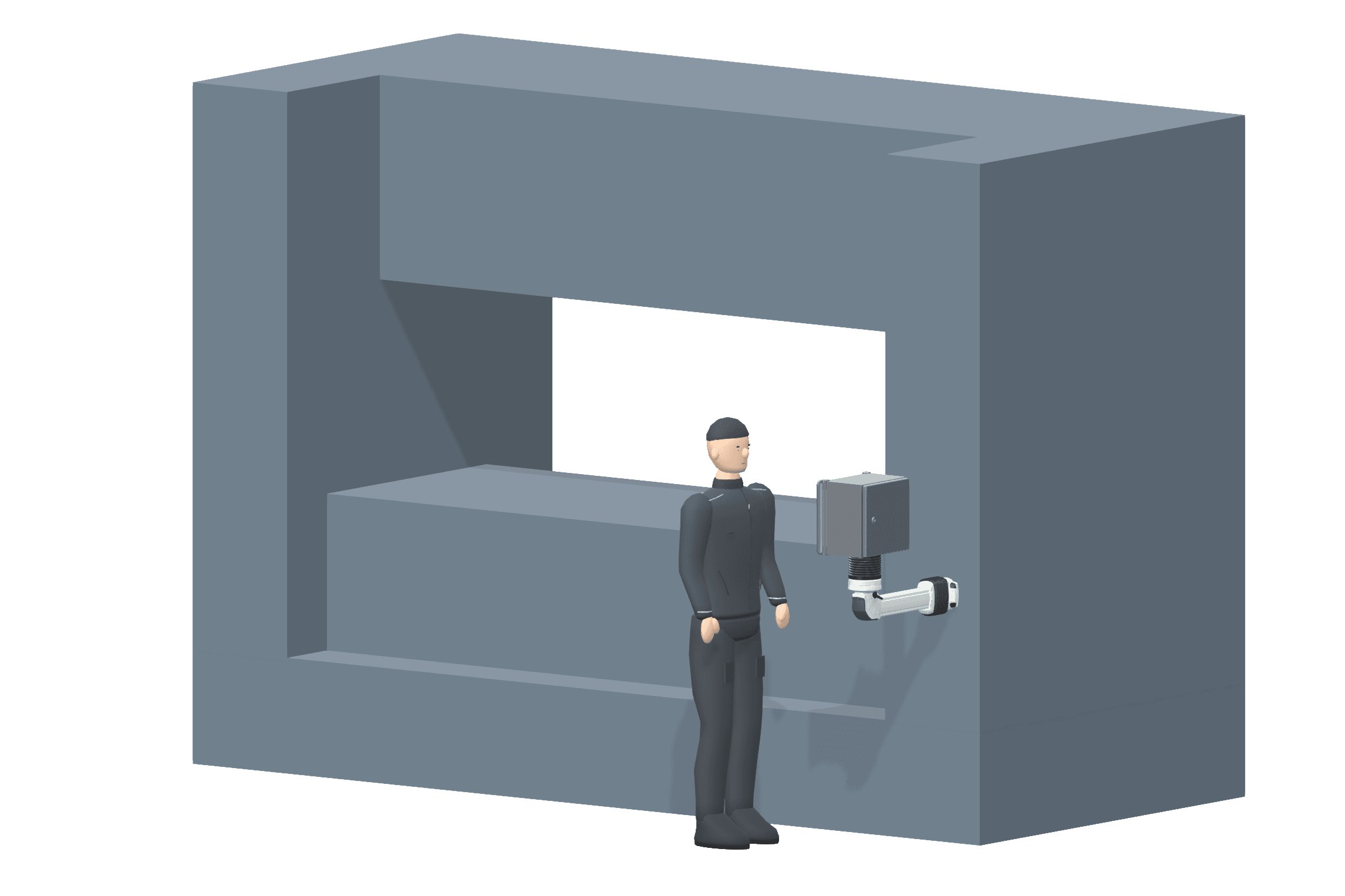
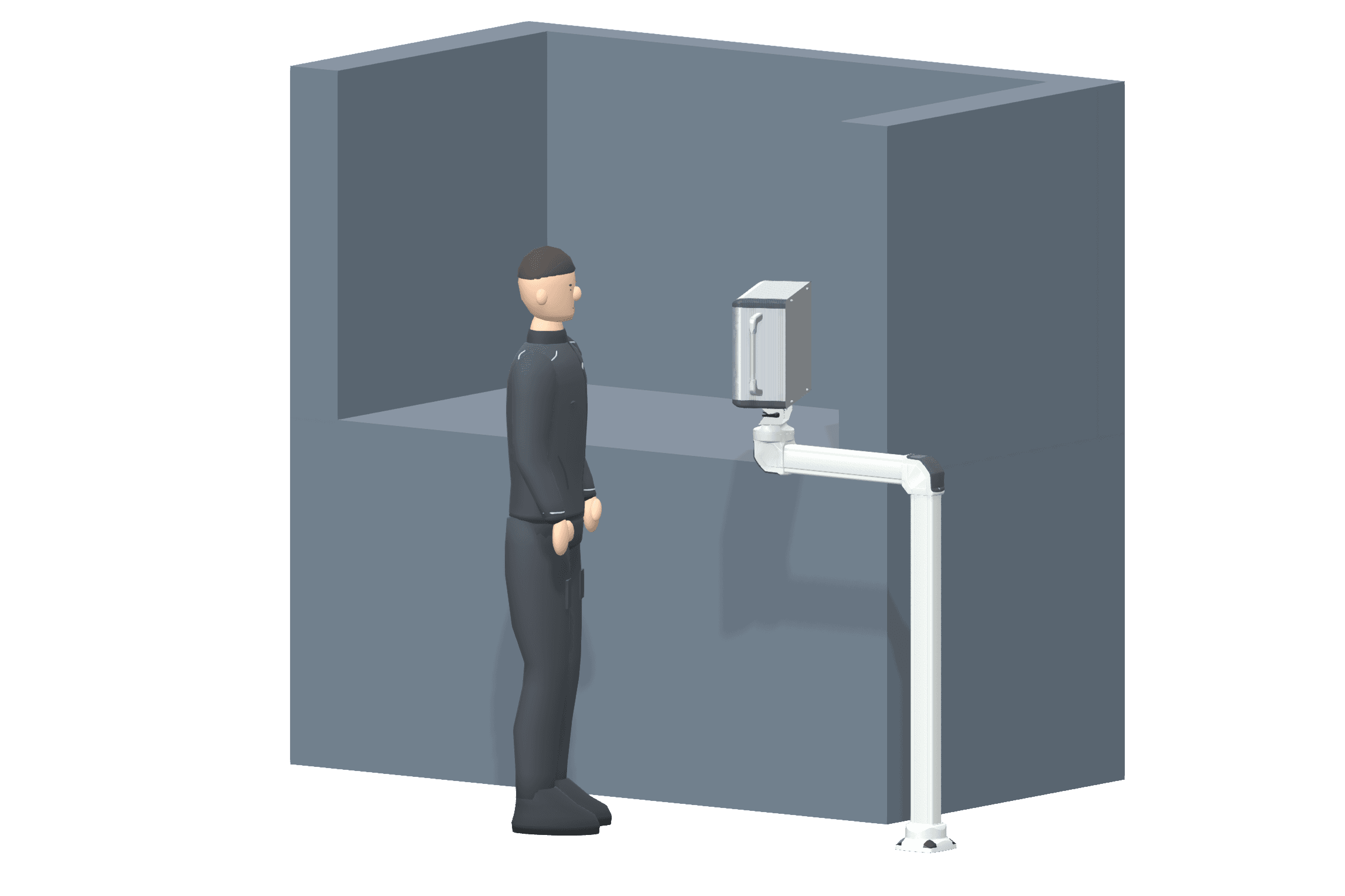
The installation determines where the arm starts. These examples show different mounting arrangements; final fastening is designed for the application.
At the side of the machine
A compact arm positions the panel next to the machine.
On a column
An upright assembly positions the operator station.
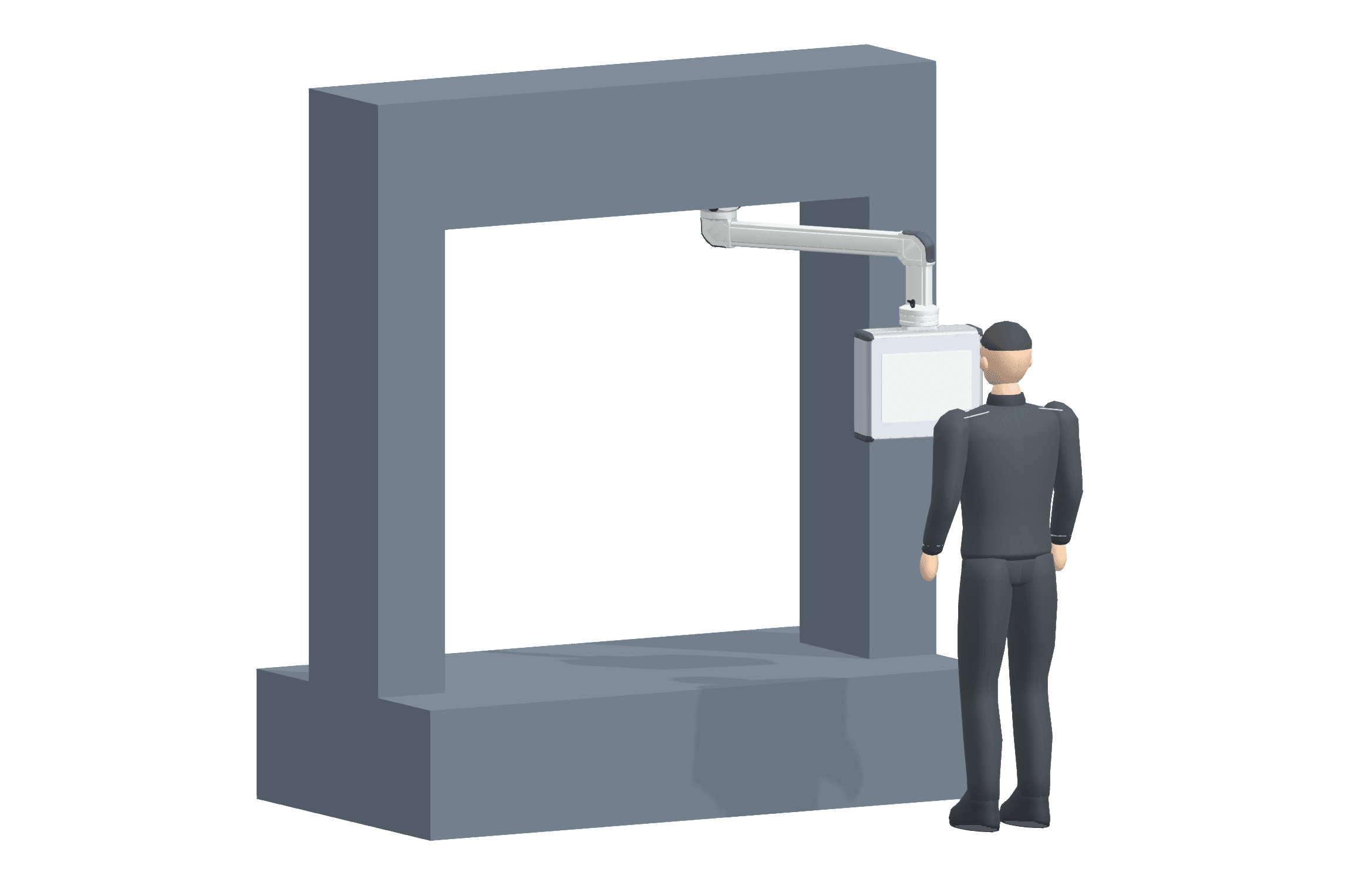
Underneath a portal
A suspended assembly keeps the floor area clear.
- Swivelling
- Joints position the station sideways. Check clearance and possible collisions with the machine.
- Tilting
- A suitable panel coupling aligns the operating surface. The permitted range depends on the component.
- Height adjustment
- Height adjustment adapts the station to the task. Check the selected module’s load range and travel.
A clear path to your assembly.
Turn your installation requirements into a project for further discussion.
Choose a series
Browse products and variants in the catalogue to find a starting point for your application.
Build the arm
Start with a template or select your mounting, profiles, joints and panel.
Adjust the operator station
Adjust the mounting position, profile lengths and joint positions in the model.
Share the project
Use the project file, parts list and planning sheet for the next discussion.
Frequently asked questions about Armindux
How do I choose the right series?
Start with the installation, required reach, panel and accessory weight, and space for cables and connectors. Compare product data and drawings. Final selection considers the complete assembly.
Can any panel be fitted to any arm?
The connection depends on the series, coupling, connection side and hole pattern. The configurator offers matching connection options. A direct connection or adapter must suit the specific design.
How is load capacity assessed?
Reach, self-weight, additional loads, joints and mounting orientation all matter. The configurator shows chart estimates for covered assemblies. Non-standard assemblies or configurations outside the charts require separate load capacity verification.
Are cables routed through the arm?
Profiles and designated connection modules allow internal cable routing. Check usable passages and connector sizes in the selected components and their drawings.
Do I need to sign in to configure?
Yes. With an active session, “Configure assembly” opens the editor directly. Otherwise, you reach sign-in, where you can also create an account. The configurator opens automatically after successful sign-in.
How do I save my assembly?
Export important assemblies as project files and continue editing them with “Open project”. The file contains the complete assembly. Automatic local recovery is specific to this browser and address.
Which documents help with installation?
Product pages and downloads provide the available drawings, hole patterns and assembly instructions. Use the documentation for the specific design.
What happens after configuration?
Use the project file, parts list and planning sheet to discuss the assembly with Xindux. Together we clarify installation details, outstanding design choices and suitability of the complete assembly.
Let’s discuss your application.
Have a specific installation in mind? Tell us about the machine, the panel and the movements you need.
Ready to plan your assembly?
Start with a template or put your support arm together step by step.